


eza can replace tree with better defaults and git integration.
Basic Tree
eza --tree --icons=always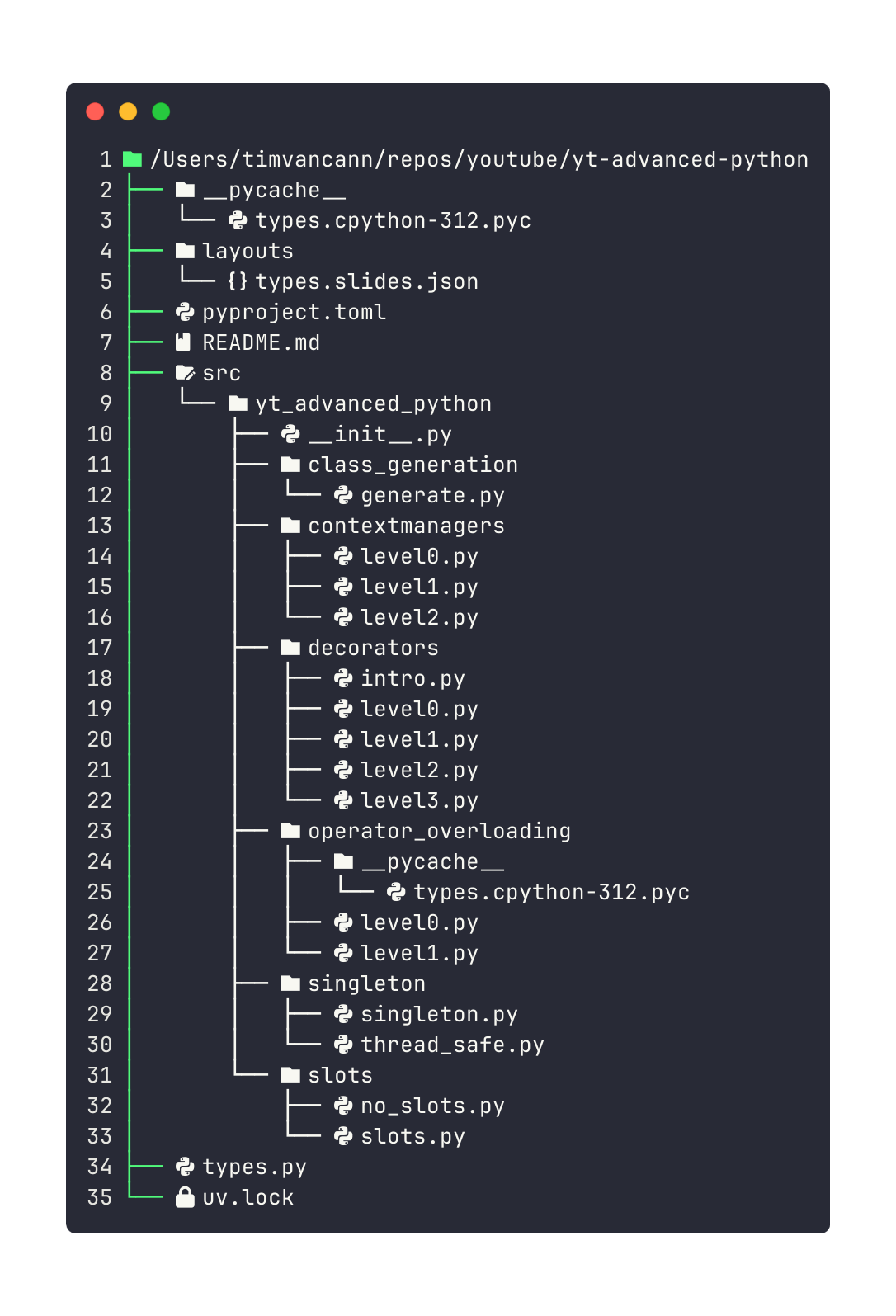
Shows directory structure with icons.
Respect .gitignore
eza -T --icons=always --git-ignoreSkips everything in .gitignore like node_modules, __pycache__, etc.
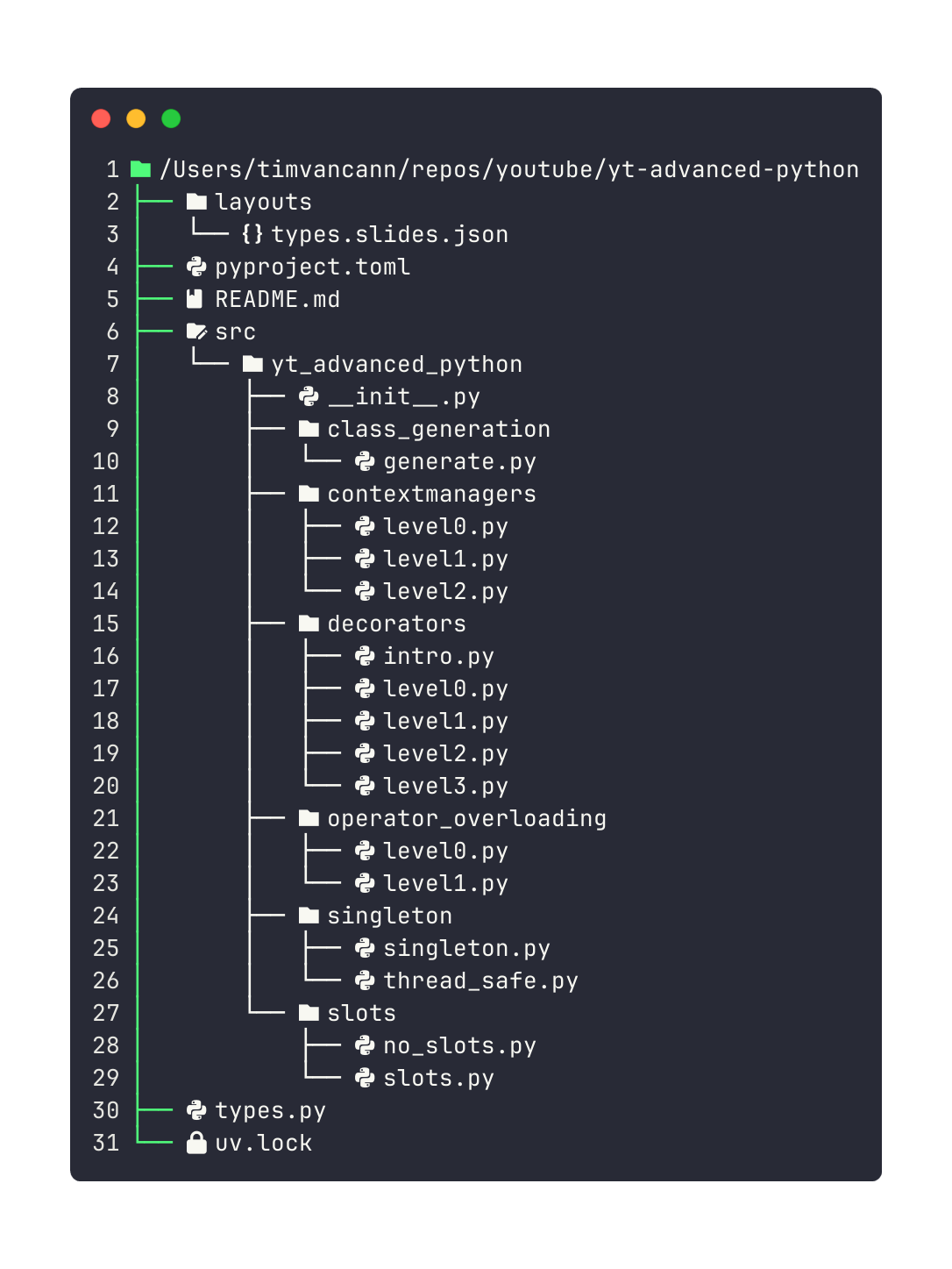
Without --git-ignore you'd see thousands of lines. With it you see only your code.
Control Depth
# 2 levels deep
eza -T --level=2

# Only immediate children
eza -T --level=1
Limits how deep the tree goes. Useful for large projects.
Long Format
eza -lA -T --git-ignoreCombines tree view with file details (permissions, sizes, dates).
With Git Status
eza -lA -T --git-ignore --gitTree view with git status indicators. Shows your entire project structure with which files are modified, new, or unchanged.
Tree Alias
alias tree='eza --icons=always -lA -T --git-ignore'Now tree shows icons, details, and respects .gitignore.
# Limit depth
tree --level=2

# Specific directory
tree src/